




BEEX Dualscreen Laptop | Windows 11 Pro | Multi-Language Support | Portable Solution for Creativity, Work & Entertainment
Price range: ₵7,022.30 through ₵8,001.21
Shipping & Delivery
-
 SEA SHIPPING
Duration
$240 per CBM
35 -50 Days
-
 AIR SHIPPING
Duration
$16.50 per kg
5 -10 Days
-
 Cash on Delivery
ONLY FOR ITEMS IN STOCK
2-3 Days
₵30 Upwards
-
Courier delivery
Our courier will deliver to the specified address
2-7 Days
₵30 Upwards
-
 We will call you on any order placed
Description
- High-concerned chemical: None
- Bracket Type: Other
- Screen curvature: None
- High-Dynamic Range: None
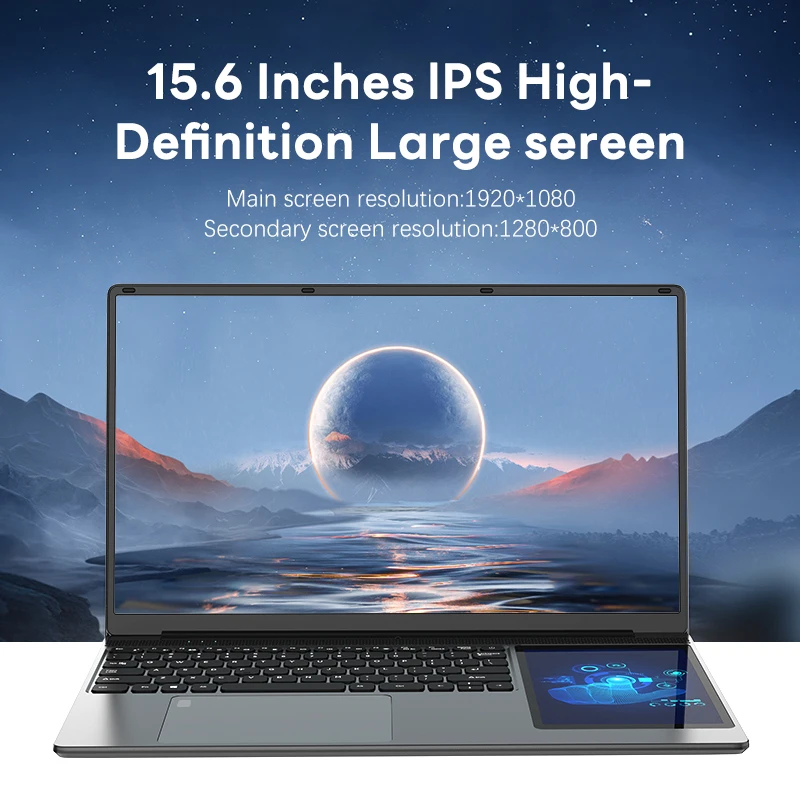
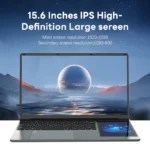
- Display Size: 15.6
- Display Ratio: 16:9
- Resolution: 1920×1080
- Brand Name: BEEX
- Origin: Mainland China
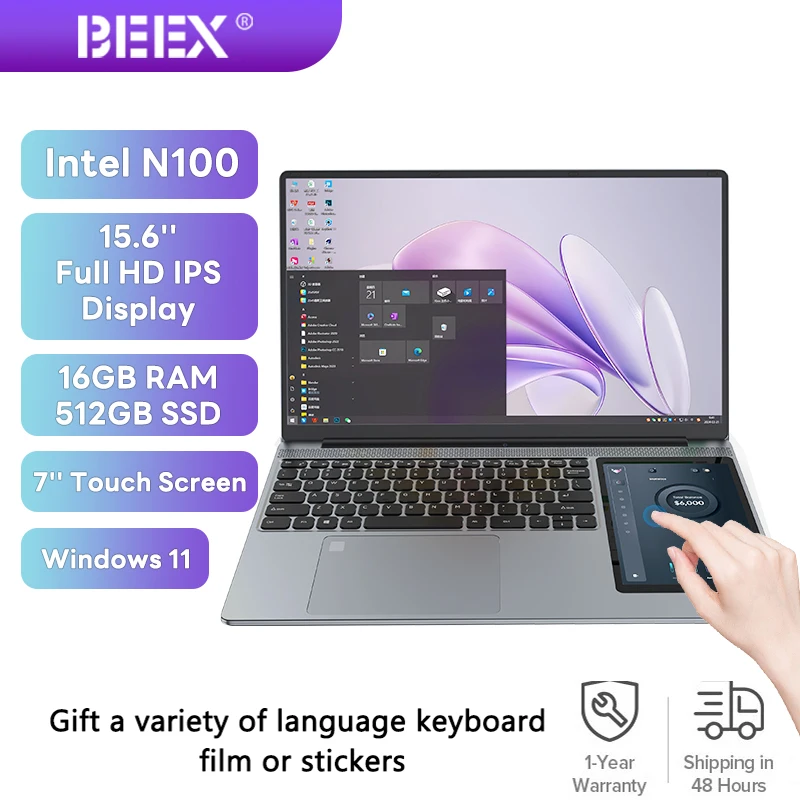
🌟 **15.6-inch Dual-Screen Notebook**
Product Overview:
– Unique Design: This dual-screen notebook stands out with its distinctive dual-screen design and outstanding performance, providing users with unprecedented creativity and productivity.
– Slim and Portable: With compact dimensions of Length 357mm × Width 225mm × Height 21.3mm and a weight of only 1.6kg, it allows you to carry it with ease wherever you go, be it in the office, café, or on the go.
🎁 Multi-Language Settings & Keyboard Sticker Giveaway:
– Custom Language Settings: As per buyer’s request, we can set different system languages to make user experience more convenient and comfortable.
– Free Keyboard Stickers: We will also include complimentary keyboard stickers in different languages to help users easily switch input languages and improve efficiency.
📚 Keyboard Sticker Application Tutorial:
– Precise Application: When using keyboard stickers, ensure that the keyboard surface is clean, then accurately apply the stickers to avoid bubbles and misalignment.
– Language Switching: Utilize the multi-language setting feature of the Windows 11 Pro system to easily switch system languages, then apply the corresponding language keyboard stickers as needed.
– Learning Demonstration: Provide detailed instructions on how to use the characters and symbols on the stickers correctly based on the layout and key diagrams on the keyboard, facilitating users to quickly get started.
🖥️ Screens:
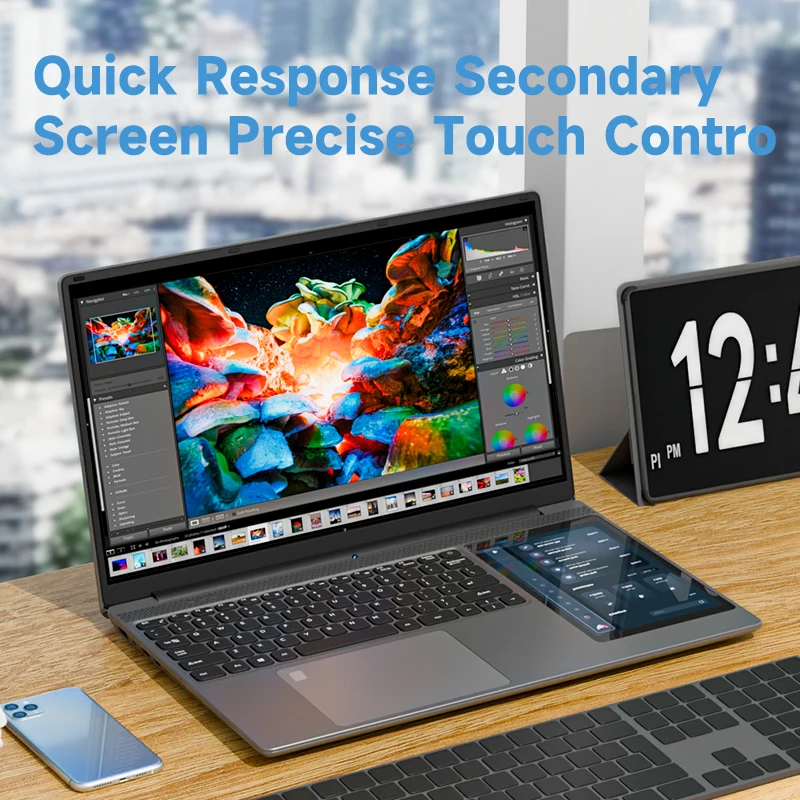
– Multi-Tasking: Featuring a 15.6-inch main screen and a 7-inch secondary screen design, allowing you to handle multiple tasks simultaneously on the same device, enhancing work efficiency and seamlessly managing life and work challenges.
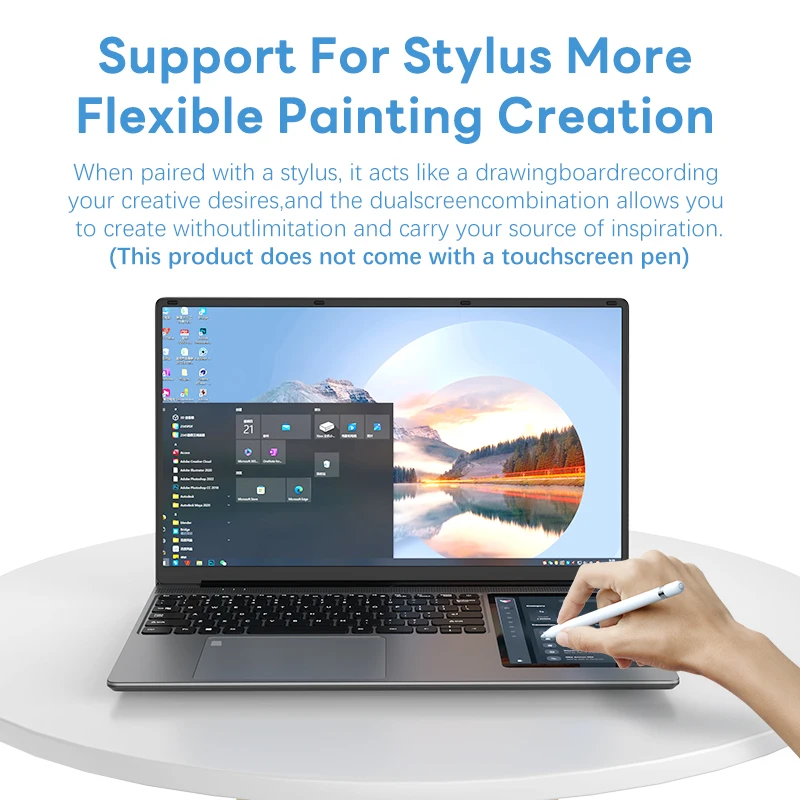
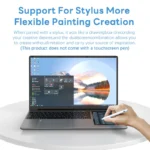
– Touchscreen: The 7-inch secondary screen comes with touch functionality, providing you with a more intuitive and flexible operation experience, such as handwriting notes, creating, gaming, and more.
🔋 Battery:
– All-Day Battery Life: Equipped with a 7.7V polymer lithium battery with a capacity of 5400mAh, providing long-lasting battery life for a full day’s use, allowing you to focus on work and entertainment without worrying about running out of power.
💻 Hardware Configuration:
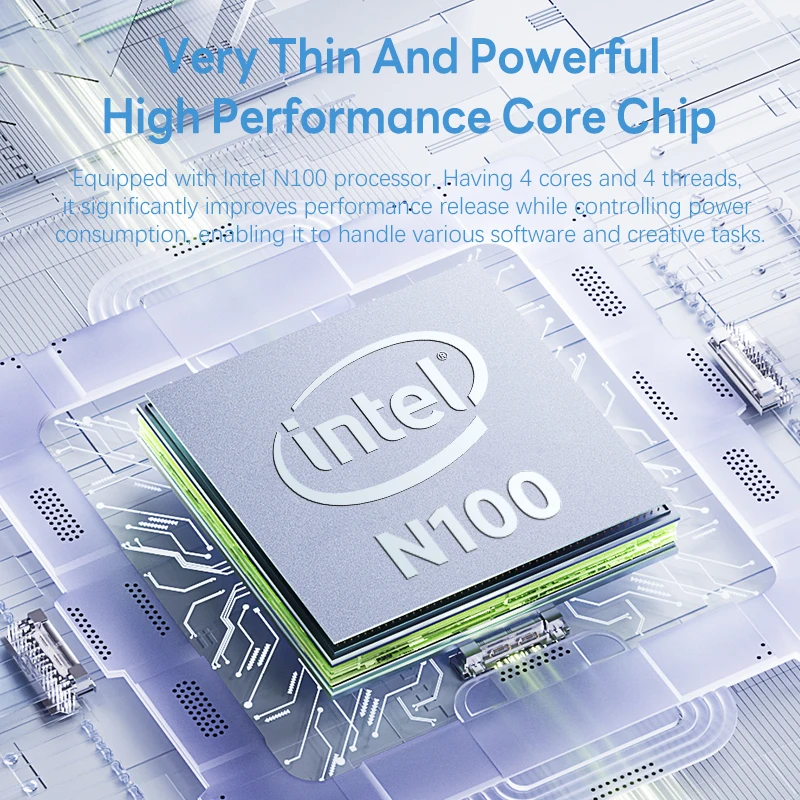
– Powerful Performance: Powered by an Intel® Celeron® Processor N100 processor and Intel® UHD Graphics graphics card, providing outstanding computing and graphics processing capabilities, allowing you to enjoy smooth entertainment and efficient office experience.
CPU Specs: 10th Gen, 4 cores 4 threads, 6 MB Intel® Smart Cache, processor base frequency 1.10 GHz, max turbo frequency 3.40 GHz, TDP 6 W.
GPU Specifications:
GPU Name: Intel® UHD Graphics
Maximum Dynamic Frequency: 750 MHz
Graphics Output: eDP 1.4b, DP 1.4, HDMI 2.1, MIPI-DSI 1.3
Execution Units: 24
4K Support: Yes, at 60Hz
Maximum Resolution (HDMI): 4096 x 2160@60Hz (Actual notebook screen resolution: 1920 x 1080P. To utilize this feature, either upgrade to a notebook screen with 4096 x 2160@60Hz resolution or connect to a display screen with the specified resolution via HDMI or DP interface.)
Maximum Resolution (DP): 4096 x 2160@60Hz (Actual notebook screen resolution: 1920 x 1080P. To utilize this feature, either upgrade to a notebook screen with 4096 x 2160@60Hz resolution or connect to a display screen with the specified resolution via HDMI or DP interface.)
DirectX Support:* 12.1
OpenGL Support:* 4.6
OpenCL Support:* 3.0
Intel® Quick Sync Video: Yes
Supported Monitor Count: 3
Device ID: 0x46D1
🌐 Network Connection:
– Stable Connection: Supports WIFI 802.11ac/b/g/n and Bluetooth 4.2 technologies, providing fast and stable wireless network connection and external device connection, allowing you to stay online and interconnected anytime, anywhere.
🔌 Interfaces:
– Rich Interfaces: Provides USB 3.0 * 2 and USB-C * 1 interfaces, ∮ 3.5mm four-segment headphone interfaces, etc., meeting your needs for connecting external devices, expanding device functionality, and enhancing ease of use.
🔌 Main Accessories:
– Efficient Charging: Comes with a standard DC 12V/3A power adapter, ensuring efficient and safe device charging.
💻 Software Configuration:
– Advanced System: Pre-installed with Windows 11 Pro operating system, featuring a clean and user-friendly interface, equipped with a rich set of built-in applications and features such as Microsoft Office suite, Edge browser, etc., providing an excellent operating experience.
🚀 Examples of Application Scenarios:
Drawing and Creativity: Artists, designers, or educators can utilize the dual-screen notebook’s touchscreen functionality to unleash their creativity. With the expansive canvas provided by the touchscreen, they can engage in various creative tasks such as digital painting, doodling, annotating documents, or creating intricate charts and diagrams. The dual-screen setup offers ample space for brainstorming, ideation, and artistic expression, empowering users to explore new ideas and concepts with ease.
Handwritten Notes: Students, educators, or business professionals can leverage the touchscreen pen to enhance their note-taking experience. Whether in a classroom, meeting room, or during personal study sessions, the touchscreen enables seamless writing, drawing, and organization of handwritten notes. Users can jot down ideas, sketch diagrams, or create mind maps directly on the screen, facilitating better comprehension, retention, and communication of information. The intuitive nature of touchscreen input streamlines the note-taking process, leading to improved learning outcomes and work efficiency.
Interactive Media: The touchscreen functionality enriches the interaction with various forms of media content. Whether browsing maps, viewing images, or watching videos, users can engage with the content in a more immersive and intuitive manner. They can zoom in on specific details, rotate images for better viewing angles, or drag elements across the screen for enhanced exploration. This interactive experience enhances the attractiveness and engagement of multimedia content, making it more enjoyable and informative for users across different contexts.
Gaming Experience: Gaming enthusiasts can elevate their gaming experience with the touchscreen capabilities of the dual-screen notebook. The touchscreen offers intuitive controls for gaming operations, enabling precise gestures and movements during gameplay. Users can interact with game elements directly on the screen, such as tapping to navigate menus, swiping to perform actions, or pinching to zoom in on gameplay details. This immersive gaming experience adds a new dimension of fun and excitement to gaming sessions, providing users with greater control and immersion in their favorite games.
Multitasking: The dual-screen design of the notebook facilitates seamless multitasking for users across various scenarios. Whether working on multiple projects simultaneously, managing emails while attending meetings, or conducting research while writing reports, users can leverage the secondary screen for enhanced productivity and convenience. They can use the touchscreen to interact with the secondary screen, such as dragging and dropping files, switching between applications, or organizing workflow elements. This multitasking capability empowers users to optimize their work efficiency and adapt their workflow to suit their preferences and requirements.
Through these detailed examples, users can gain a better understanding of the versatility and practicality of the dual-screen notebook’s touchscreen functions. By leveraging these features across different application scenarios, users can maximize their productivity, creativity, and enjoyment of the product.
GPU Application Scenarios:
Enhanced Visual Experience: With Intel® UHD Graphics, enjoy vibrant visuals and smooth graphics rendering while watching videos, editing photos, or browsing the web.
Multimedia Content Creation: Utilize the graphics power for multimedia content creation, including photo editing, video editing, and graphic design tasks, achieving professional-level results.
Casual Gaming: Intel® UHD Graphics supports casual gaming with ease, providing an immersive gaming experience for light and moderate gaming enthusiasts.
Multiple Display Support: With support for up to three monitors, expand your workspace for enhanced productivity, multitasking, and immersive entertainment experiences.
Through these application scenarios, users can leverage the GPU capabilities to enhance their visual experiences, multimedia content creation, gaming, and productivity on the dual-screen notebook, thereby maximizing the utility and versatility of the product.
Customer Reviews
You may also like

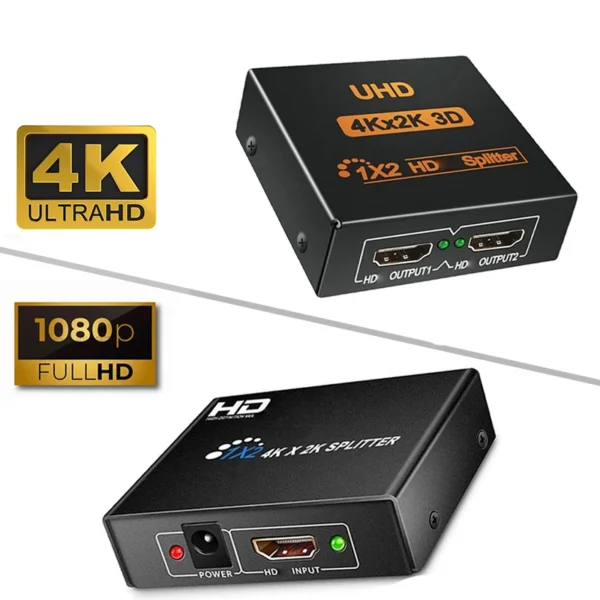
1 in 2 out HDMI-compatible Splitter 4K/1080P 1×2 Video Converter HDCP Adapter
Price range: ₵50.00 through ₵55.00



Reviews
Clear filtersThere are no reviews yet.